
|
Note that if you do not have an AVOW2Go Subscription, you will only be able to use the application in 'demo mode'.
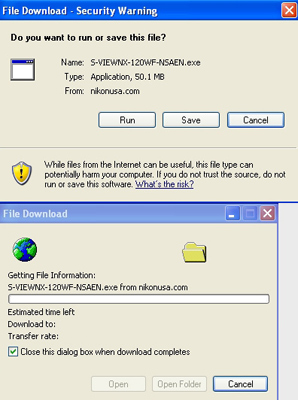
- If you are asked whether to run or save the file, select Save or Save as. We recommend to download the file to your Desktop (so you can find it after it has been downloaded).
- Find the downloaded file on your desktop (it will be called <% $latest %>) and double-click it to start the installation process.
- Follow the instructions on your screen to install AVOW2Go.
- When finished, you should have an AVOW2Go application icon on your desktop.
|
|
|